
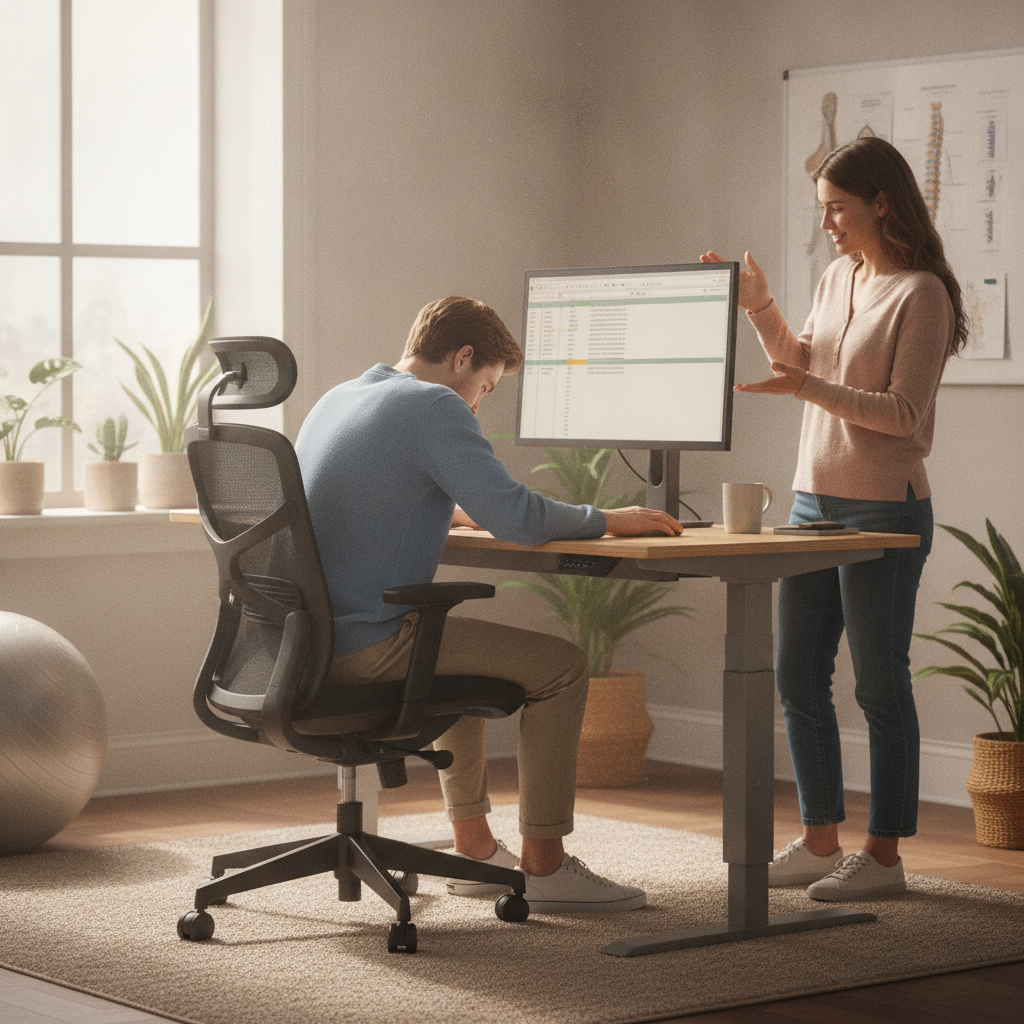
Back pain is one of the most common complaints among small business owners, developers, and anyone who spends long hours at a desk or on their feet. If you’ve noticed persistent discomfort, it may be time to consider how your daily habits and workspace setup are affecting your spine. For those seeking a Chiropractor for Back Pain Grass Lake MI, understanding the connection between ergonomics and spinal health is crucial. Poor posture, repetitive movements, and improper workstation design can all contribute to ongoing back pain, making it important to recognize when professional help is needed. This article explores how ergonomics impacts your back, the warning signs that suggest you should see a chiropractor, and practical steps you can take to support your spinal health. Whether you’re a business owner managing a team or a developer working late into the night, these insights can help you make informed decisions about your well-being and productivity.
Understanding the Link Between Ergonomics and Back Pain
Ergonomics is the science of designing workspaces and tasks to fit the user, not the other way around. When your workspace isn’t set up with your body’s needs in mind, it can lead to muscle strain, spinal misalignment, and chronic discomfort. For example, sitting in a chair that doesn’t support your lower back or working at a desk that’s too high or too low can force your body into unnatural positions for hours at a time. Over time, these small stresses add up, resulting in persistent aches and even more serious back issues. If you’re experiencing ongoing pain despite making adjustments, it may be time to consult a Grass Lake MI chiropractor for back pain who can assess your situation and recommend targeted solutions.
Common Ergonomic Mistakes That Lead to Discomfort
Many people unknowingly make ergonomic mistakes that contribute to their back pain. Slouching in your chair, hunching over a laptop, and failing to take regular breaks are just a few habits that can cause strain. Additionally, using a chair without lumbar support or placing your monitor at the wrong height can force your spine into awkward positions. Even standing desks, if not adjusted properly, can create new challenges for your posture. Recognizing these mistakes is the first step toward making positive changes. If you’ve already tried correcting your setup and still struggle with pain, seeking help from Grass Lake Chiropractic may provide the relief and guidance you need to address underlying issues.
How Prolonged Sitting and Tech Use Affect Your Spine
Spending hours in front of a screen can take a toll on your spinal health. Prolonged sitting often leads to weakened core muscles and tight hip flexors, both of which contribute to lower back pain. Tech use also encourages forward head posture, where your head juts out in front of your shoulders, increasing strain on your neck and upper back. Over time, these habits can cause the natural curves of your spine to flatten or exaggerate, resulting in discomfort and reduced mobility. If you’re noticing these symptoms, a Chiropractor in Grass Lake, MI can help you understand how your daily tech habits are impacting your body and offer strategies to restore balance and comfort.
Recognizing When Back Pain Signals a Deeper Problem
Not all back pain is created equal. While occasional soreness after a long day might be normal, persistent or worsening pain could indicate a more serious issue. Signs that your discomfort may require professional attention include pain that radiates down your legs, numbness or tingling, or pain that doesn’t improve with rest and ergonomic adjustments. If you’ve experienced a recent fall or injury, it’s especially important to get evaluated. For more insights, check out How Chiropractic Adjustments May Support Recovery After a Minor Fall to better understand when intervention is necessary.
Why Small Business Owners Are at Higher Risk
Small business owners often juggle multiple roles, from managing finances to handling physical inventory. This multitasking can lead to neglecting personal health, especially when it comes to posture and ergonomics. Many local entrepreneurs spend long hours at their desks, frequently skipping breaks or working in makeshift office setups. This increases their risk for chronic back pain and related issues. Unlike larger organizations, small businesses may lack the resources for ergonomic assessments or high-quality office furniture. Prioritizing your own well-being is essential, as ongoing discomfort can impact productivity and overall business success. Taking proactive steps to improve your workspace and seeking professional guidance when needed can help you stay healthy and focused on your goals.
Developers and Desk Workers: Unique Challenges
Developers and other desk-based professionals face unique ergonomic challenges. Long coding sessions, intense focus, and tight project deadlines often mean hours of uninterrupted sitting. This can lead to muscle fatigue, stiffness, and eventually persistent back pain. In addition, many developers use multiple screens or laptops, which can encourage awkward neck and shoulder positions. Without regular movement and a supportive workstation, these habits can quickly take a toll on spinal health. Implementing microbreaks, stretching routines, and investing in ergonomic accessories can make a significant difference. If discomfort persists, consulting a specialist in the area can help you identify and address the root causes before they become chronic problems.
The Role of Core Strength in Preventing Back Pain
A strong core is essential for maintaining a healthy spine, especially when your daily routine involves long periods of sitting or repetitive movements. Weak abdominal and back muscles force your spine to absorb more stress, increasing the risk of pain and injury. Simple exercises like planks, bridges, and gentle yoga can help build core stability and support your back. Incorporating these activities into your daily routine doesn’t require a gym membership or special equipment, just consistency and a few minutes each day. Strengthening your core can also enhance your posture, making it easier to maintain ergonomic positions throughout the workday. If you’re unsure where to start, a local chiropractor can provide personalized recommendations based on your unique needs.
Simple Ergonomic Adjustments for Immediate Relief
Improving your ergonomic setup doesn’t have to be complicated or expensive. Start by adjusting your chair so your feet rest flat on the floor and your knees are at a 90-degree angle. Position your monitor at eye level to reduce neck strain, and keep your keyboard and mouse within easy reach to avoid overextending your arms. Take regular breaks to stand, stretch, and walk around, even if it’s just for a minute or two every hour. These small changes can make a big difference in how your back feels at the end of the day. If you’re still experiencing discomfort, it may be time to seek professional advice to ensure your workspace is truly supporting your health.
When Should You Seek Professional Help?
Knowing when to seek professional help is key to preventing minor back pain from becoming a long-term issue. If you’ve tried ergonomic adjustments, regular exercise, and self-care but still experience persistent or worsening pain, it’s a good idea to consult a specialist. Warning signs include pain that interferes with your daily activities, radiates into your limbs, or is accompanied by numbness or weakness. Early intervention can prevent further complications and help you return to your normal routine faster. For those dealing with specific spinal conditions, resources like What to Know About Back Pain Caused by Herniated Discs can offer valuable information about what to expect from chiropractic care.
Comparing Ergonomic Solutions: What Works Best?
With so many ergonomic products and solutions on the market, it can be difficult to know which ones are worth the investment. From standing desks to lumbar cushions and monitor risers, each tool offers unique benefits and potential drawbacks. The table below compares some of the most popular ergonomic solutions to help you make an informed decision based on your specific needs and workspace constraints.
| Ergonomic Solution | Benefits | Considerations |
|---|---|---|
| Adjustable Chair | Supports natural spinal curves, customizable for height and lumbar support | Requires proper adjustment and may be costly |
| Standing Desk | Encourages movement, reduces time spent sitting | Can cause fatigue if not alternated with sitting |
| Monitor Riser | Raises screen to eye level, reduces neck strain | Needs to match your screen size and desk setup |
| Lumbar Cushion | Adds lower back support to any chair | May shift out of place or feel bulky |
| Footrest | Promotes proper leg alignment and circulation | Not always necessary for everyone |
The Bottom Line
Back pain and poor ergonomics are closely linked, especially for small business owners, developers, and anyone who spends significant time at a desk. While making ergonomic adjustments and strengthening your core can go a long way toward preventing discomfort, it’s important to recognize when pain signals a deeper problem. Consulting a chiropractor for back pain in this community can provide valuable insight, personalized care, and lasting relief. Don’t ignore persistent symptoms, taking action now can help you stay productive, comfortable, and focused on what matters most. Remember, investing in your spinal health is an investment in your overall well-being and long-term success.